News, updates and exclusive insights every two weeks

To view this email online, 

image.

Hello


We’ve just launched ScoStore nationally and wanted to share it with you. ScoStore is going to save time, money and hassle for every education establishment, and it’s already doing this for early ScoStore customers.


Let us introduce ScoStore to you…


image.

ScoStore


What is ScoStore?


ScoStore is an easy-to-use website that helps every education establishment to purchase best value technology. 


Go to ScoStore


How did ScoStore come about?


Customers are increasingly asking for our help to 

  • Specify and source devices for staff and students, for school and trust IT infrastructure, and for teaching and learning tech such as interactive screens
  • Source competitive quotes to fulfil tendering requirements and purchase order processes
  • Help with managing the lifecycle of technology including disposal through secure data removal, and device refurbishing and recycling

So, as you would expect from a forward-looking EdTech specialist like Scomis, we found a way to solve these challenges with ease for everyone.


Go to ScoStore


What do we mean by best value?


Scomis has a deep understanding of what ‘best value’ means for education technology. If you’re curious, here are five key attributes of best value 


Reduce your carbon footprint


Increasingly schools and trusts aim to reduce their carbon footprint and increase their environmental reporting. ScoStore helps you do that. Read about how ScoStore empowers UK schools with sustainable tech solutions.

Empowering schools to reduce their carbon footprint

Tell us what you think! 


Please take four minutes to help us improve our newsletters (like this one).


We want to send you the best emails we can, and to do that we need your feedback!


I've got something to say!
image.

Are you struggling to return your Autumn census in time?


There have been a lot of staff changes in the last four months, and census return can be quite complicated if you're new to it. If you need help, call us on 01392 385300.


The return date is Wednesday 1st November which is less than three weeks away. 

Quick top tip 


A Microsoft PowerPoint tip for you. 


Did you know dictate is now available in PowerPoint?


Dictate in PowerPoint works in exactly the same way as it does in Word and Outlook. Why not try it out today? This link shows you how to dictate your PowerPoint presentation.


Course Manager Training


Due to popular demand we're running extra Course Manager and Course Manager with Post-16 sessions. There are just three spots remaining and they are on 18th October so book now!


Book Course Manager (without Post-16 Learning Aims) in SIMS
Book Course Manager with Post-16 Learning Aims in SIMS

Upcoming courses


The next two months' training courses, with links to find out more and save your spot.


COURSES ORGANISED BY PHASE


Primary

31st October – SIMS New User – FULL DAY Classroom Based Course 


Secondary

18th October – Course Manager in SIMS

18th October – Course Manager with Post-16 Learning Aims in SIMS

31st October – SIMS New User – FULL DAY Classroom Based Course 

7th November – Introduction to Timetabling in NOVA T6 using SIMS 

7th November – Assessment and Progress for Secondary Schools using SIMS 

8th November – Options Online in SIMS


SIMS Essentials

31st October – SIMS New User – FULL DAY Classroom Based Course 


COURSES ORGANISED BY JOB ROLE


School Administrators

31st October – SIMS New User – FULL DAY Classroom Based Course 

1st November – Advanced Reporting with Excel Analysis in SIMS 


Senior Leaders and School Improvement

1st November – Advanced Reporting with Excel Analysis in SIMS 

7th November – Introduction to Timetabling in NOVA T6 using SIMS 

7th November – Assessment and Progress for Secondary Schools using SIMS 

8th November – Options Online in SIMS 

8th November – Recording Positive and Negative Conduct in SIMS 


Exams Officers

17th October – Setting up Examinations Organiser (Session 1 of 3 Examinations Organiser) 

17th October – Base Data Entries Submissions (Session 2 of 3 Examinations Organiser) 

18th October – Seating, Reports, Timetables (Session 3 of 3 Examinations Organiser) 


Hey Rachel!

How do I remove contacts of leaver pupil/students in SIMS?


I'm glad you asked! You can read our FAQ for all the guidance you need for managing contacts in SIMS.

image.

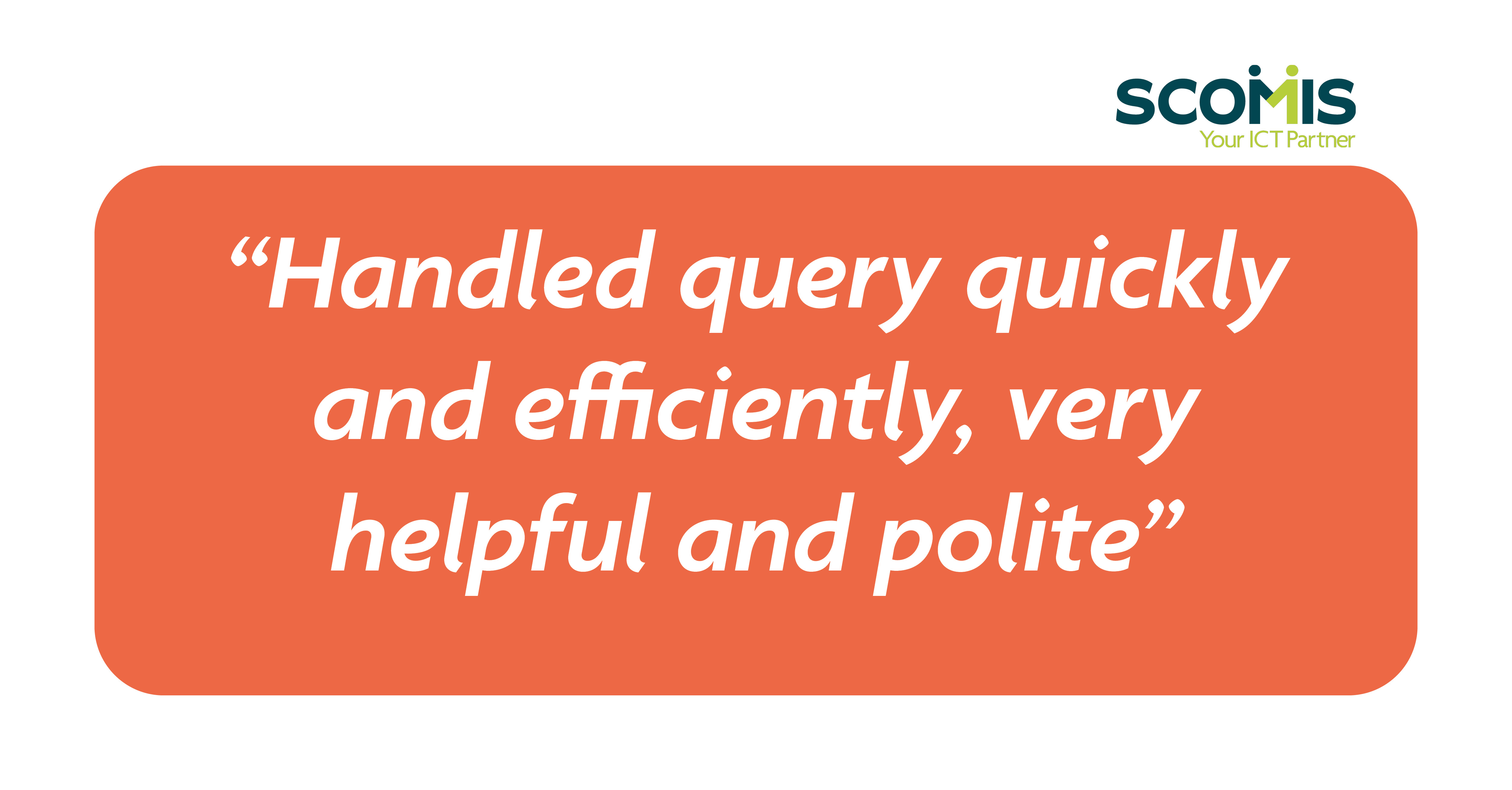
Customer feedback corner  thank you 😊

image.
 
This message was sent to using NewZapp. Follow this link to .
POWERED BY
NewZapp Communications